

GPT Image 2
Text-to-Image • OpenAIOpenAI's next-generation image model that creates and edits images from text prompts, with support for multiple quality levels, sizes, and output formats. Note: transparent backgrounds are not supported — use openai/gpt-image-1.5 for transparent PNGs.
| Model Info | |
|---|---|
| Terms and License | link ↗ |
| More information | link ↗ |
| Pricing | View pricing in the Cloudflare dashboard ↗ |
Usage
const response = await env.AI.run( 'openai/gpt-image-2', { prompt: 'A golden retriever puppy playing in autumn leaves' },)console.log(response)curl https://api.cloudflare.com/client/v4/accounts/$CLOUDFLARE_ACCOUNT_ID/ai/run \ --header "Authorization: Bearer $CLOUDFLARE_API_TOKEN" \ --header "Content-Type: application/json" \ --data '{ "model": "openai/gpt-image-2", "input": { "prompt": "A golden retriever puppy playing in autumn leaves" }}'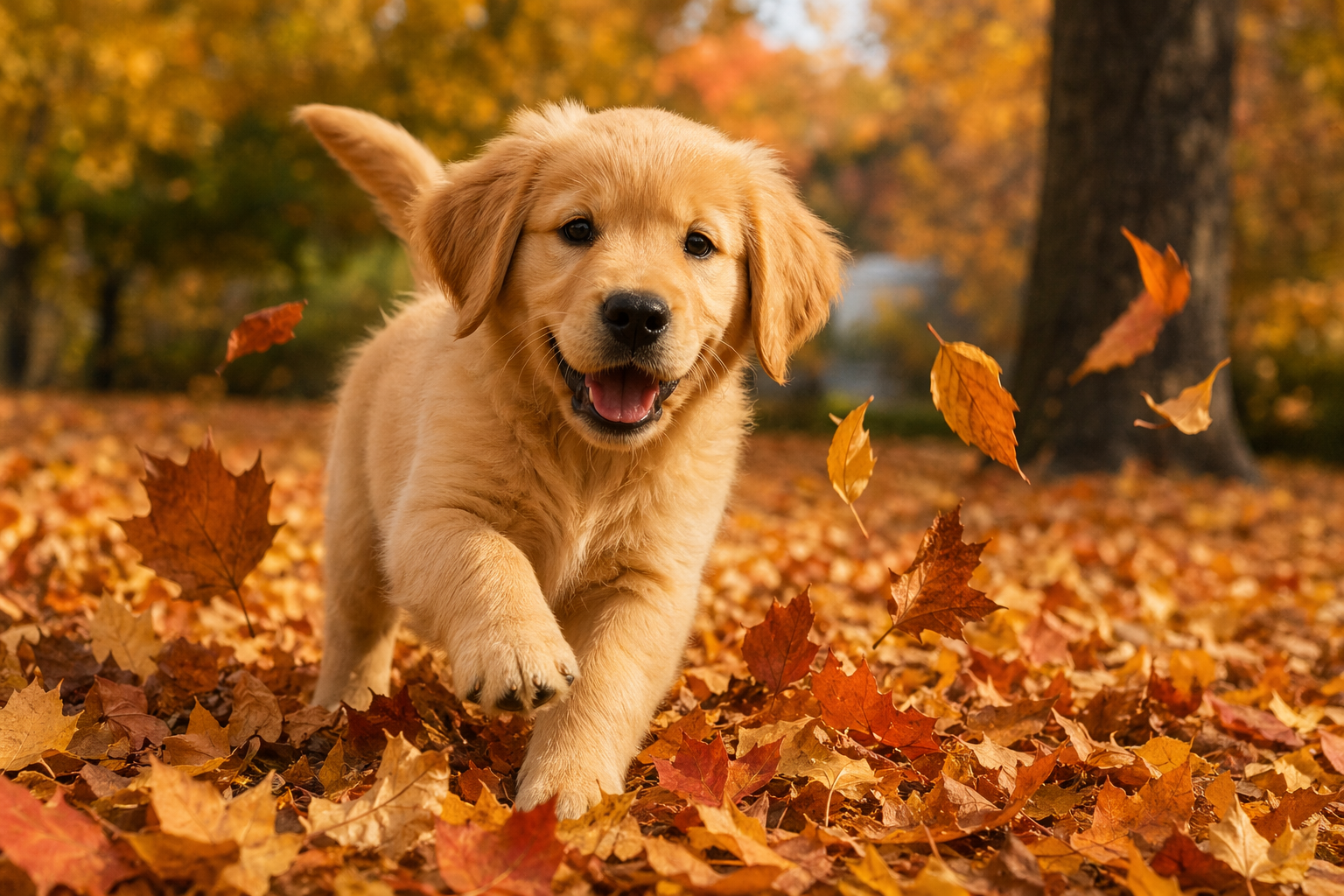
{ "gatewayMetadata": { "keySource": "BYOK" }, "result": { "image": "https://pub-04a6d208d361438ea01b797e6973bd19.r2.dev/catalog/openai__gpt-image-2/simple-generation.png" }, "state": "Completed"}Examples
High Quality — Generate a high-quality detailed image
const response = await env.AI.run( 'openai/gpt-image-2', { prompt: 'A detailed botanical illustration of exotic tropical flowers with fine line work and watercolor textures', quality: 'high', },)console.log(response)curl https://api.cloudflare.com/client/v4/accounts/$CLOUDFLARE_ACCOUNT_ID/ai/run \ --header "Authorization: Bearer $CLOUDFLARE_API_TOKEN" \ --header "Content-Type: application/json" \ --data '{ "model": "openai/gpt-image-2", "input": { "prompt": "A detailed botanical illustration of exotic tropical flowers with fine line work and watercolor textures", "quality": "high" }}'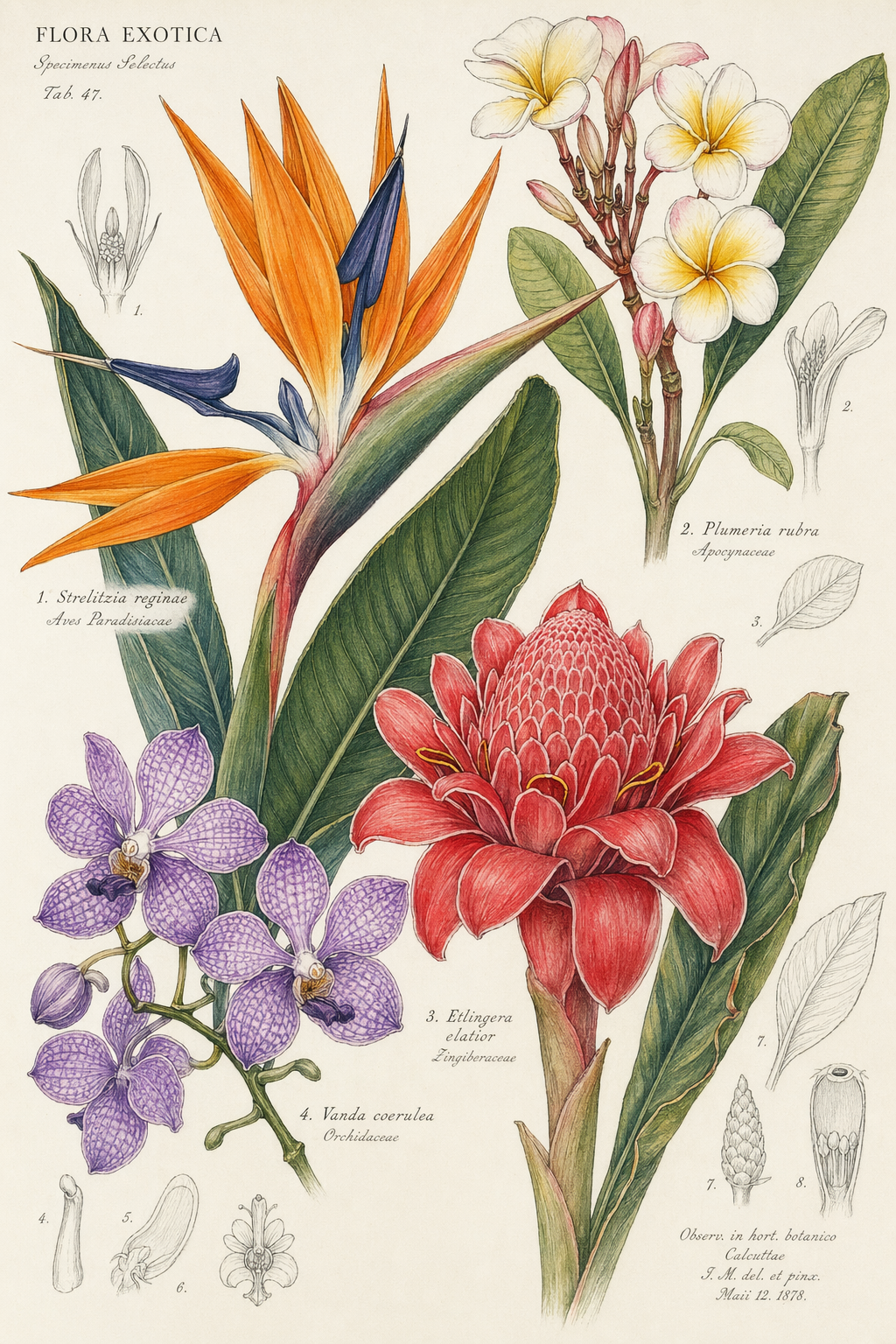
{ "gatewayMetadata": { "keySource": "BYOK" }, "result": { "image": "https://pub-04a6d208d361438ea01b797e6973bd19.r2.dev/catalog/openai__gpt-image-2/high-quality.png" }, "state": "Completed"}Custom Size — Generate a portrait-oriented image
const response = await env.AI.run( 'openai/gpt-image-2', { prompt: 'A towering redwood forest with sunbeams filtering through the canopy, misty atmosphere', size: '1024x1536', },)console.log(response)curl https://api.cloudflare.com/client/v4/accounts/$CLOUDFLARE_ACCOUNT_ID/ai/run \ --header "Authorization: Bearer $CLOUDFLARE_API_TOKEN" \ --header "Content-Type: application/json" \ --data '{ "model": "openai/gpt-image-2", "input": { "prompt": "A towering redwood forest with sunbeams filtering through the canopy, misty atmosphere", "size": "1024x1536" }}'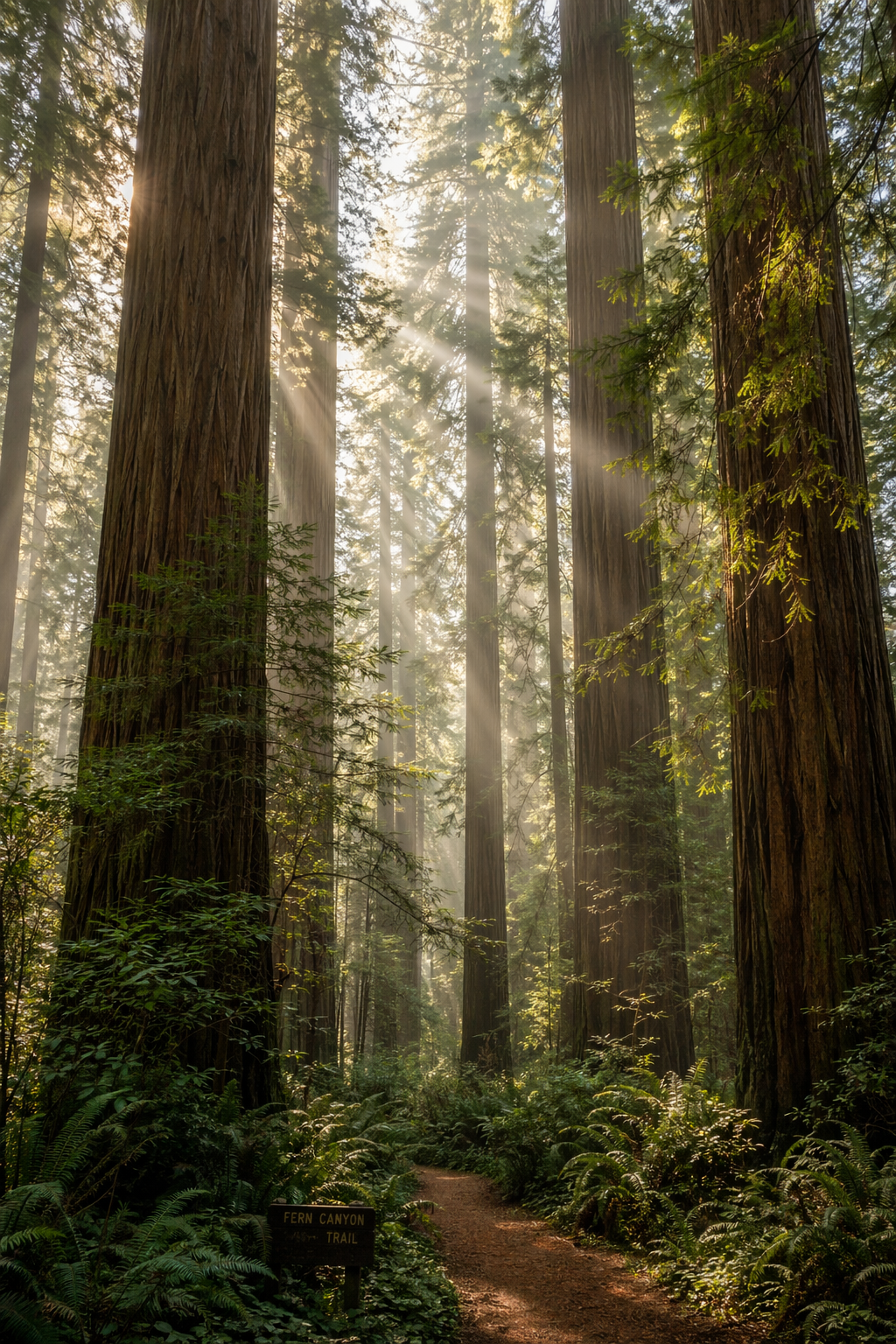
{ "gatewayMetadata": { "keySource": "BYOK" }, "result": { "image": "https://pub-04a6d208d361438ea01b797e6973bd19.r2.dev/catalog/openai__gpt-image-2/custom-size.png" }, "state": "Completed"}WebP Output — Generate an image in WebP format for smaller file size
const response = await env.AI.run( 'openai/gpt-image-2', { prompt: 'A neon-lit cyberpunk cityscape at night with rain-slicked streets and holographic billboards', output_format: 'webp', quality: 'high', },)console.log(response)curl https://api.cloudflare.com/client/v4/accounts/$CLOUDFLARE_ACCOUNT_ID/ai/run \ --header "Authorization: Bearer $CLOUDFLARE_API_TOKEN" \ --header "Content-Type: application/json" \ --data '{ "model": "openai/gpt-image-2", "input": { "prompt": "A neon-lit cyberpunk cityscape at night with rain-slicked streets and holographic billboards", "output_format": "webp", "quality": "high" }}'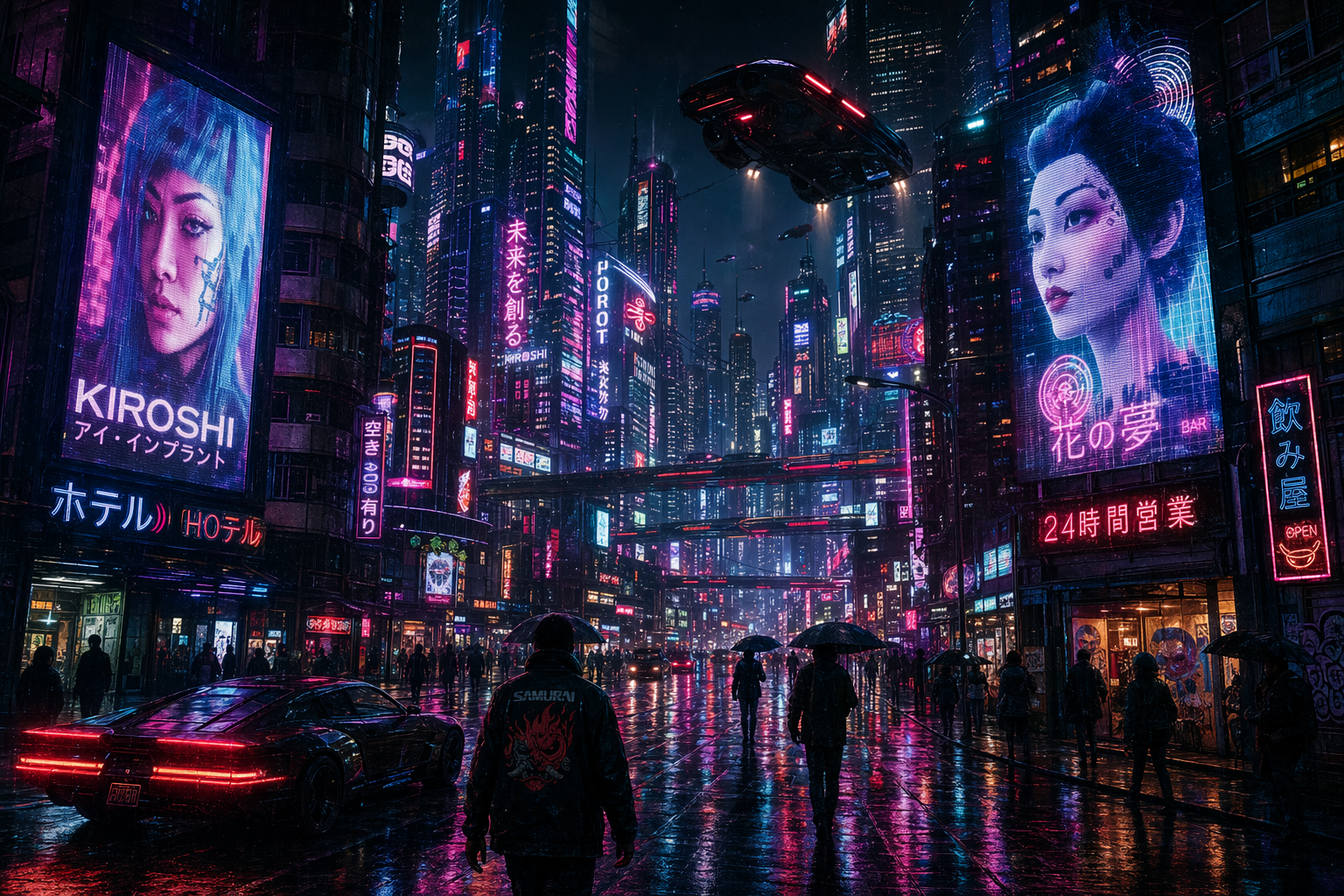
{ "gatewayMetadata": { "keySource": "BYOK" }, "result": { "image": "https://pub-04a6d208d361438ea01b797e6973bd19.r2.dev/catalog/openai__gpt-image-2/webp-output.webp" }, "state": "Completed"}Image Edit — Edit an existing image by providing it in the images array as base64 (a raw string or a data:image/{png|jpeg|webp};base64,... URI). This routes the call to OpenAI's /v1/images/edits endpoint. The example uses a tiny 32x32 smiley-face PNG - real inputs are the full base64 encoding of your source image.
const response = await env.AI.run( 'openai/gpt-image-2', { prompt: 'Transform this cartoon smiley into a photorealistic 3D clay sculpture sitting on a marble pedestal, studio lighting', images: [ 'data:image/png;base64,iVBORw0KGgoAAAANSUhEUgAAACAAAAAgCAYAAABzenr0AAAAnklEQVR42u2XQRLAIAgD8/839i/26qFCACm0ozPe1KwcQsAoXvgcAABxpwFowl4QWITHxW0LCBhxVngF4gKIirMQyBRnIJAtrkE8AuwWnyFEgKzfS1UA+3sWTju3BGAu7gKYIfBW+Q/AAQgBeMCkt1wVsLZjcwUYG2Z9wGLHZitWk1DEisubUYt2XB5IWkSyFqG0RSxvMZi0Gc1+Ox3fm00ZJ5mGVtkAAAAASUVORK5CYII=', ], },)console.log(response)curl https://api.cloudflare.com/client/v4/accounts/$CLOUDFLARE_ACCOUNT_ID/ai/run \ --header "Authorization: Bearer $CLOUDFLARE_API_TOKEN" \ --header "Content-Type: application/json" \ --data '{ "model": "openai/gpt-image-2", "input": { "prompt": "Transform this cartoon smiley into a photorealistic 3D clay sculpture sitting on a marble pedestal, studio lighting", "images": [ "data:image/png;base64,iVBORw0KGgoAAAANSUhEUgAAACAAAAAgCAYAAABzenr0AAAAnklEQVR42u2XQRLAIAgD8/839i/26qFCACm0ozPe1KwcQsAoXvgcAABxpwFowl4QWITHxW0LCBhxVngF4gKIirMQyBRnIJAtrkE8AuwWnyFEgKzfS1UA+3sWTju3BGAu7gKYIfBW+Q/AAQgBeMCkt1wVsLZjcwUYG2Z9wGLHZitWk1DEisubUYt2XB5IWkSyFqG0RSxvMZi0Gc1+Ox3fm00ZJ5mGVtkAAAAASUVORK5CYII=" ] }}'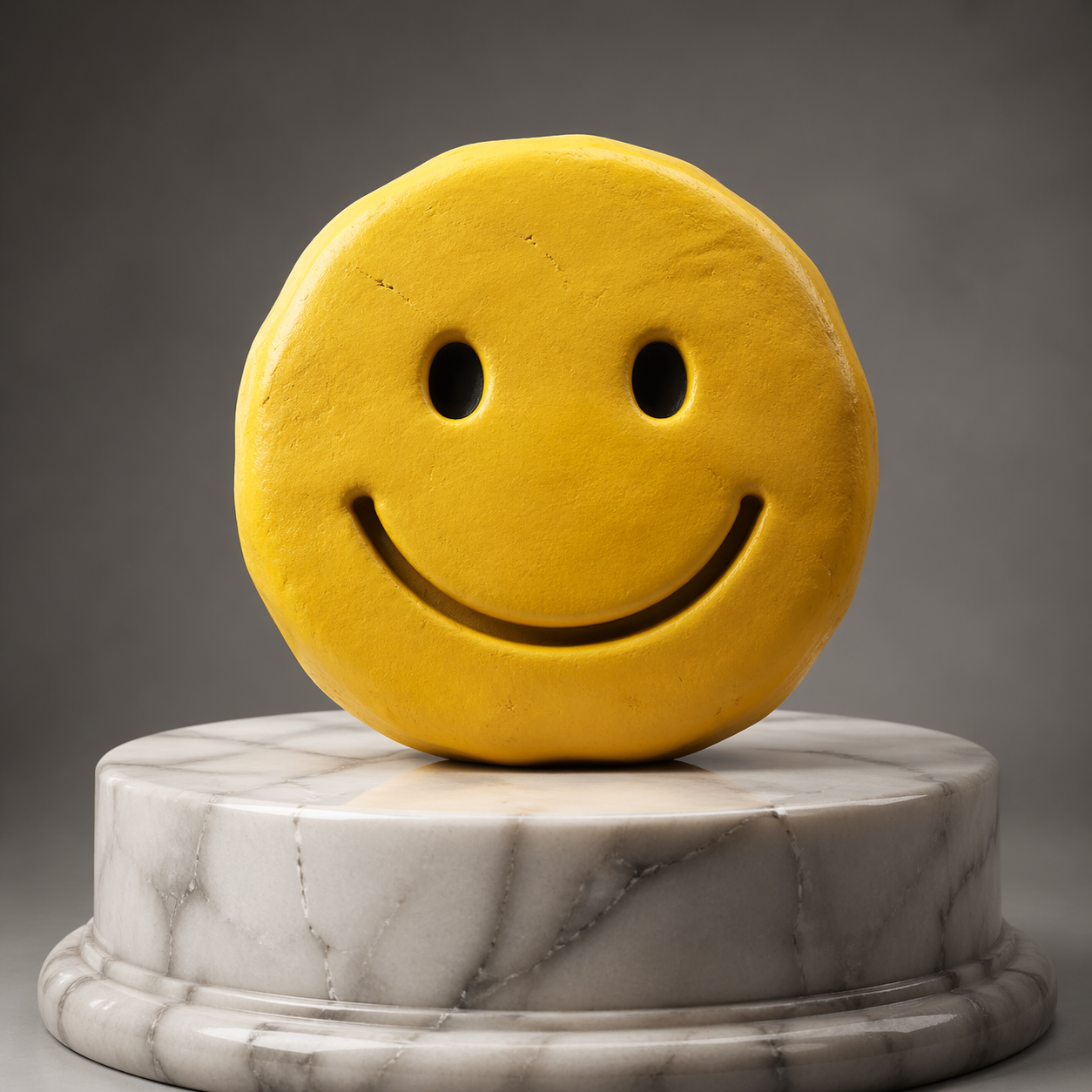
{ "gatewayMetadata": { "keySource": "BYOK" }, "result": { "image": "https://pub-04a6d208d361438ea01b797e6973bd19.r2.dev/catalog/openai__gpt-image-2/image-edit.png" }, "state": "Completed"}Multi-Image Edit — Compose multiple input images by passing up to 16 base64 strings in the images array. The model blends the references; useful for combining subjects, styles, or reference shots. The example pairs a smiley-face PNG with a red ball PNG.
const response = await env.AI.run( 'openai/gpt-image-2', { prompt: 'Combine these into a single photorealistic scene: a ceramic smiley-face mug next to a red rubber ball on a sunlit wooden table', images: [ 'data:image/png;base64,iVBORw0KGgoAAAANSUhEUgAAACAAAAAgCAYAAABzenr0AAAAnklEQVR42u2XQRLAIAgD8/839i/26qFCACm0ozPe1KwcQsAoXvgcAABxpwFowl4QWITHxW0LCBhxVngF4gKIirMQyBRnIJAtrkE8AuwWnyFEgKzfS1UA+3sWTju3BGAu7gKYIfBW+Q/AAQgBeMCkt1wVsLZjcwUYG2Z9wGLHZitWk1DEisubUYt2XB5IWkSyFqG0RSxvMZi0Gc1+Ox3fm00ZJ5mGVtkAAAAASUVORK5CYII=', 'data:image/png;base64,iVBORw0KGgoAAAANSUhEUgAAACAAAAAgCAYAAABzenr0AAAAhklEQVR42u2XsRHAMAgDNY73nye7OG2KgGUnGCWH76j/oTACPfnhcwIA3AoTGIFXRTADPlqjakYEDJwFWyJLAk/hrAQi4YwEouEjiVuBt+FXCVcgqntvCtjVvTUF7OremkIJlEAJ6Aikf0QSX3H6MpJYx+mBRCKSSYRSiVgucZjInGa/vY5PvB72/7IdMuAAAAAASUVORK5CYII=', ], },)console.log(response)curl https://api.cloudflare.com/client/v4/accounts/$CLOUDFLARE_ACCOUNT_ID/ai/run \ --header "Authorization: Bearer $CLOUDFLARE_API_TOKEN" \ --header "Content-Type: application/json" \ --data '{ "model": "openai/gpt-image-2", "input": { "prompt": "Combine these into a single photorealistic scene: a ceramic smiley-face mug next to a red rubber ball on a sunlit wooden table", "images": [ "data:image/png;base64,iVBORw0KGgoAAAANSUhEUgAAACAAAAAgCAYAAABzenr0AAAAnklEQVR42u2XQRLAIAgD8/839i/26qFCACm0ozPe1KwcQsAoXvgcAABxpwFowl4QWITHxW0LCBhxVngF4gKIirMQyBRnIJAtrkE8AuwWnyFEgKzfS1UA+3sWTju3BGAu7gKYIfBW+Q/AAQgBeMCkt1wVsLZjcwUYG2Z9wGLHZitWk1DEisubUYt2XB5IWkSyFqG0RSxvMZi0Gc1+Ox3fm00ZJ5mGVtkAAAAASUVORK5CYII=", "data:image/png;base64,iVBORw0KGgoAAAANSUhEUgAAACAAAAAgCAYAAABzenr0AAAAhklEQVR42u2XsRHAMAgDNY73nye7OG2KgGUnGCWH76j/oTACPfnhcwIA3AoTGIFXRTADPlqjakYEDJwFWyJLAk/hrAQi4YwEouEjiVuBt+FXCVcgqntvCtjVvTUF7OremkIJlEAJ6Aikf0QSX3H6MpJYx+mBRCKSSYRSiVgucZjInGa/vY5PvB72/7IdMuAAAAAASUVORK5CYII=" ] }}'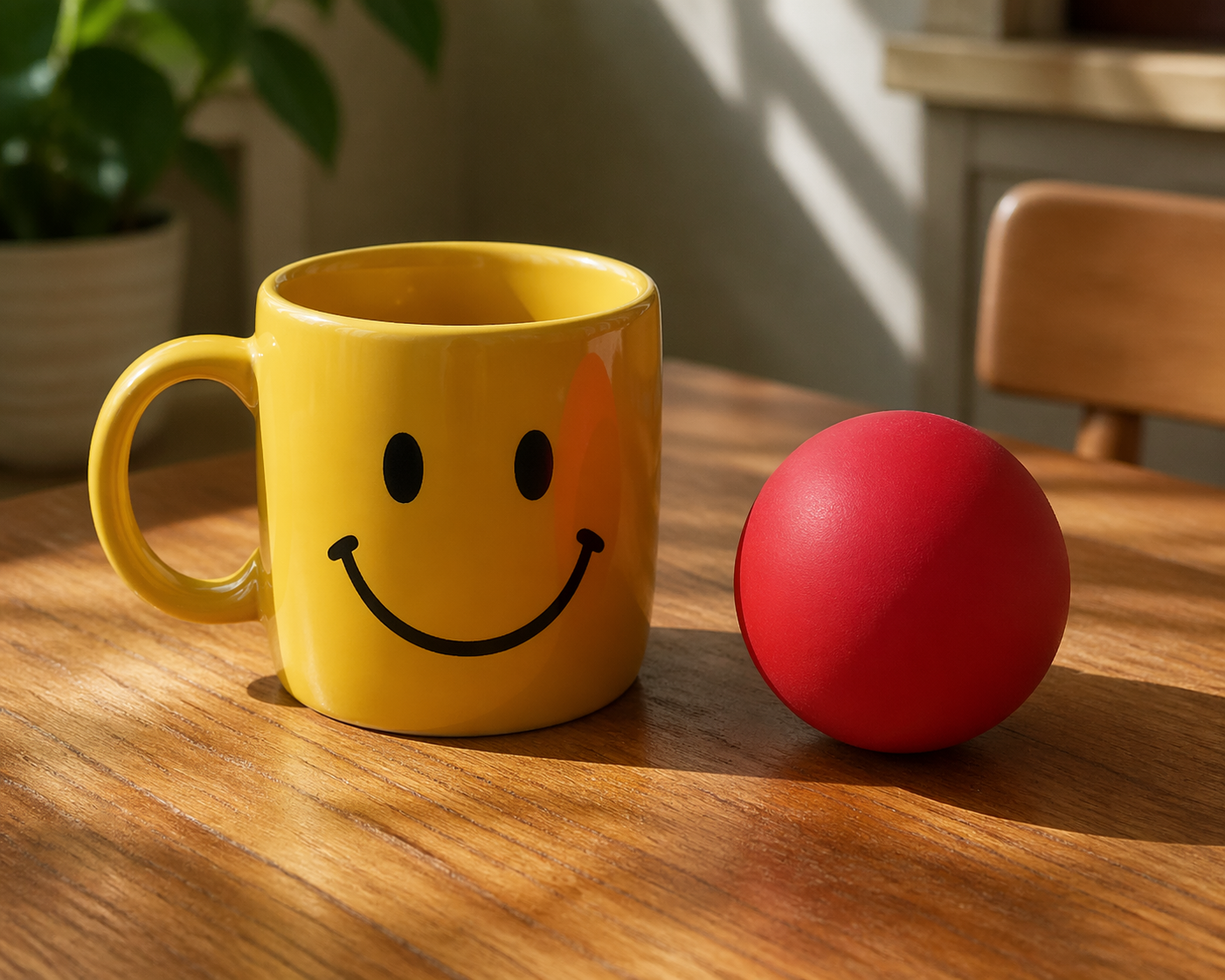
{ "gatewayMetadata": { "keySource": "BYOK" }, "result": { "image": "https://pub-04a6d208d361438ea01b797e6973bd19.r2.dev/catalog/openai__gpt-image-2/multi-image-edit.png" }, "state": "Completed"}Parameters
background
stringenum: transparent, opaque, autoBackground transparency setting. Use transparent for images with no background, opaque for a solid background, or auto to let the model decide.▶images[]
arraymaxItems: 16Input images for image editing, 1-16 entries. Each entry is base64-encoded (raw string or data:image/{png|jpeg|webp};base64,... URI).output_format
stringenum: png, webp, jpegOutput format for the generated imageprompt
stringrequiredText prompt describing the image to generate or editquality
stringenum: low, medium, high, autoQuality of the generated imagesize
stringenum: 1024x1024, 1024x1536, 1536x1024, autoSize of the generated imageimage
stringformat: uriURL to the generated image