

gpt-image-1.5
Text-to-Image • OpenAI • ProxiedOpenAI's image generation model that creates and edits images from text prompts, supporting multiple quality levels and output sizes.
| Model Info | |
|---|---|
| Terms and License | link ↗ |
| More information | link ↗ |
| Pricing | View pricing in the Cloudflare dashboard ↗ |
Usage
const response = await env.AI.run( 'openai/gpt-image-1.5', { prompt: 'A golden retriever puppy playing in autumn leaves', }, { gateway: { id: 'default' }, })console.log(response)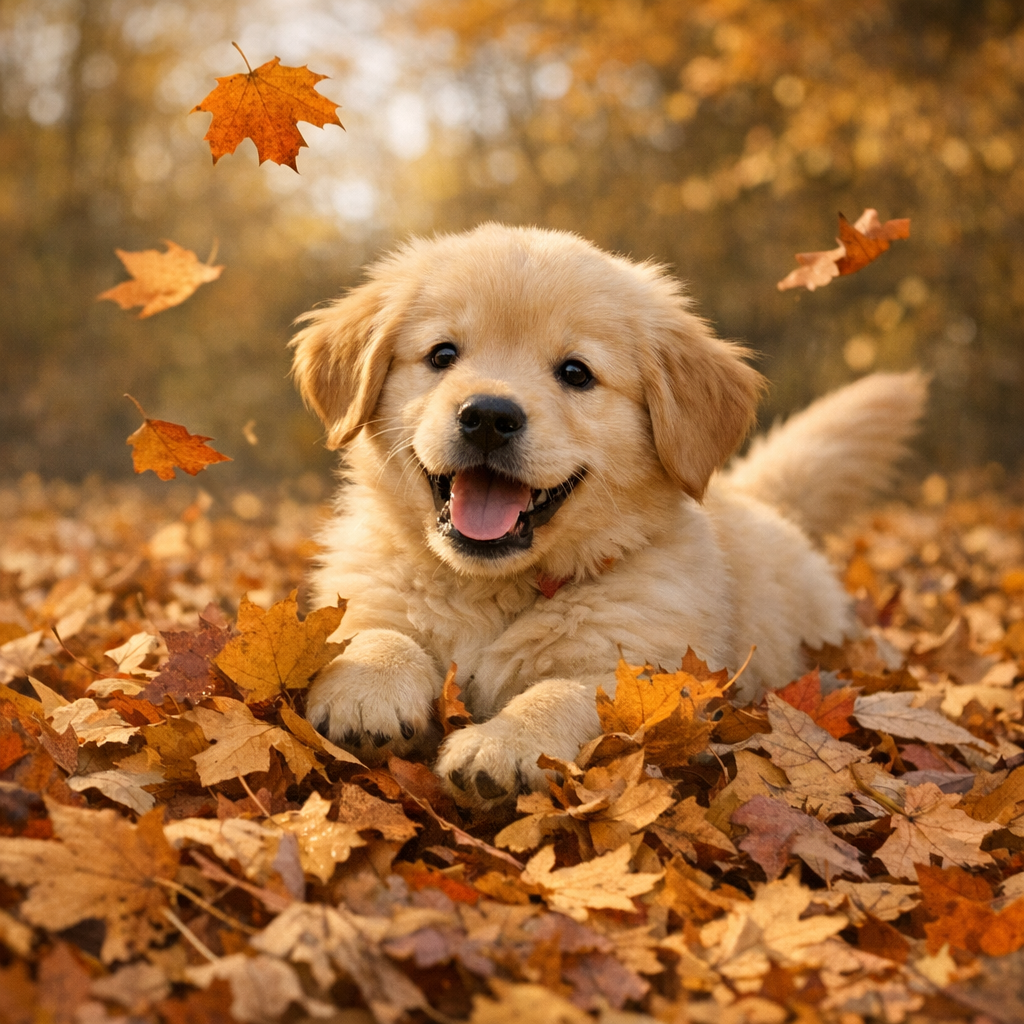
{ "state": "Completed", "result": { "image": "https://pub-04a6d208d361438ea01b797e6973bd19.r2.dev/catalog/openai__gpt-image-1.5/simple-generation.png" }, "gatewayMetadata": { "keySource": "Unified" }}Examples
High Quality — Generate a high-quality detailed image
const response = await env.AI.run( 'openai/gpt-image-1.5', { prompt: 'A detailed botanical illustration of exotic tropical flowers with fine line work and watercolor textures', quality: 'high', }, { gateway: { id: 'default' }, })console.log(response)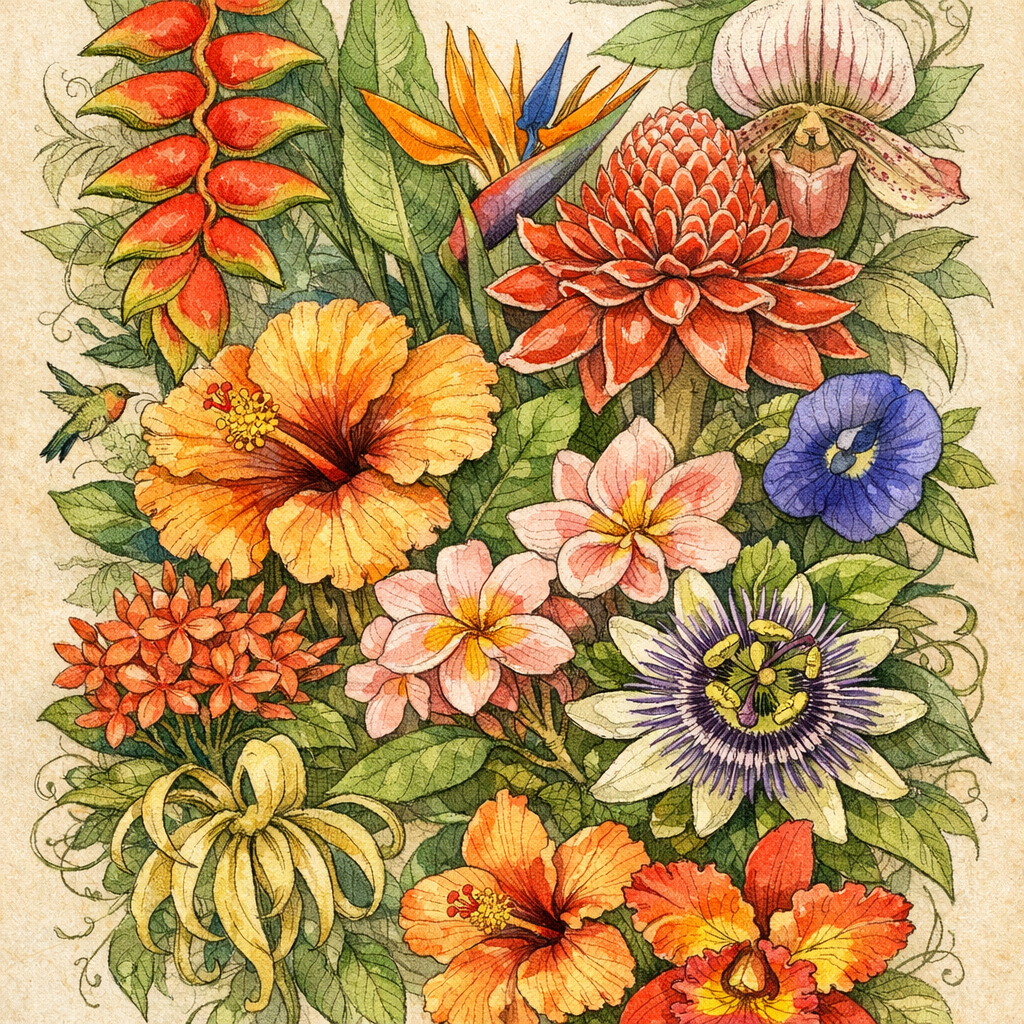
{ "state": "Completed", "result": { "image": "https://pub-04a6d208d361438ea01b797e6973bd19.r2.dev/catalog/openai__gpt-image-1.5/high-quality.png" }, "gatewayMetadata": { "keySource": "Unified" }}Low Quality Draft — Fast, rough draft for iteration
const response = await env.AI.run( 'openai/gpt-image-1.5', { prompt: 'A quiet Japanese garden in morning mist with a stone lantern and koi pond', quality: 'low', }, { gateway: { id: 'default' }, })console.log(response)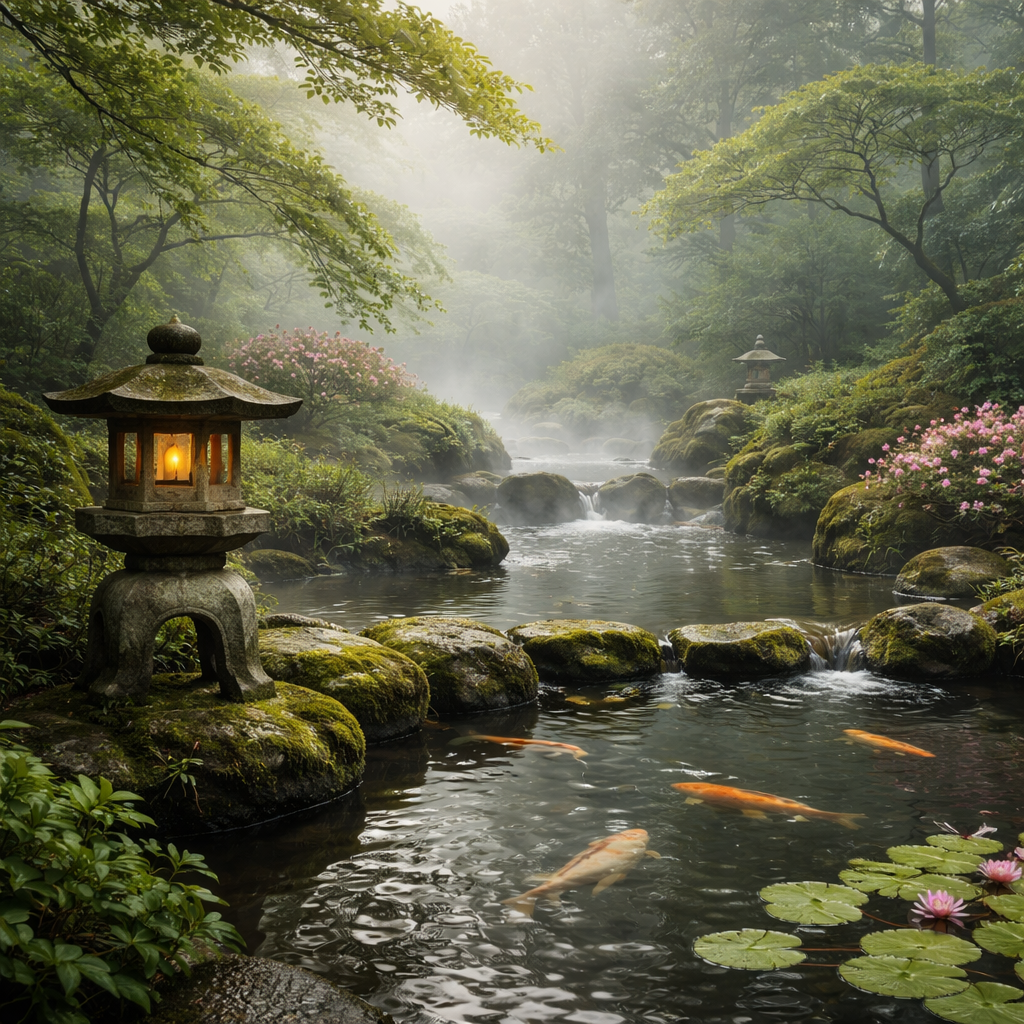
{ "state": "Completed", "result": { "image": "https://pub-04a6d208d361438ea01b797e6973bd19.r2.dev/catalog/openai__gpt-image-1.5/low-quality-draft.png" }, "gatewayMetadata": { "keySource": "Unified" }}Medium Quality — Balanced quality for most uses
const response = await env.AI.run( 'openai/gpt-image-1.5', { prompt: 'A neon-lit cyberpunk figure standing in the rain beneath a holographic billboard, cinematic lighting', quality: 'medium', }, { gateway: { id: 'default' }, })console.log(response)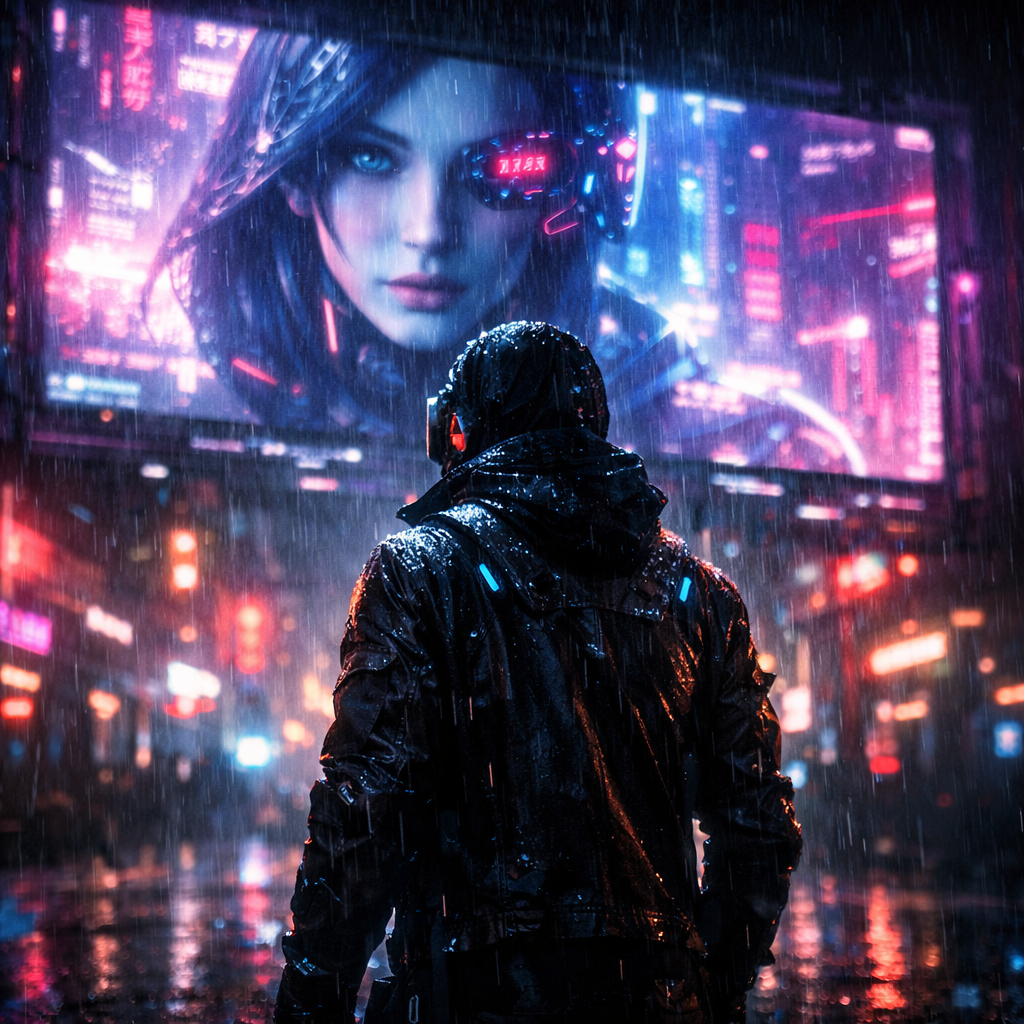
{ "state": "Completed", "result": { "image": "https://pub-04a6d208d361438ea01b797e6973bd19.r2.dev/catalog/openai__gpt-image-1.5/medium-quality.png" }, "gatewayMetadata": { "keySource": "Unified" }}Auto Quality — Let the model pick an appropriate quality level
const response = await env.AI.run( 'openai/gpt-image-1.5', { prompt: 'A panoramic view of the northern lights over a snowy mountain range, vivid greens and purples dancing across the sky', quality: 'auto', }, { gateway: { id: 'default' }, })console.log(response)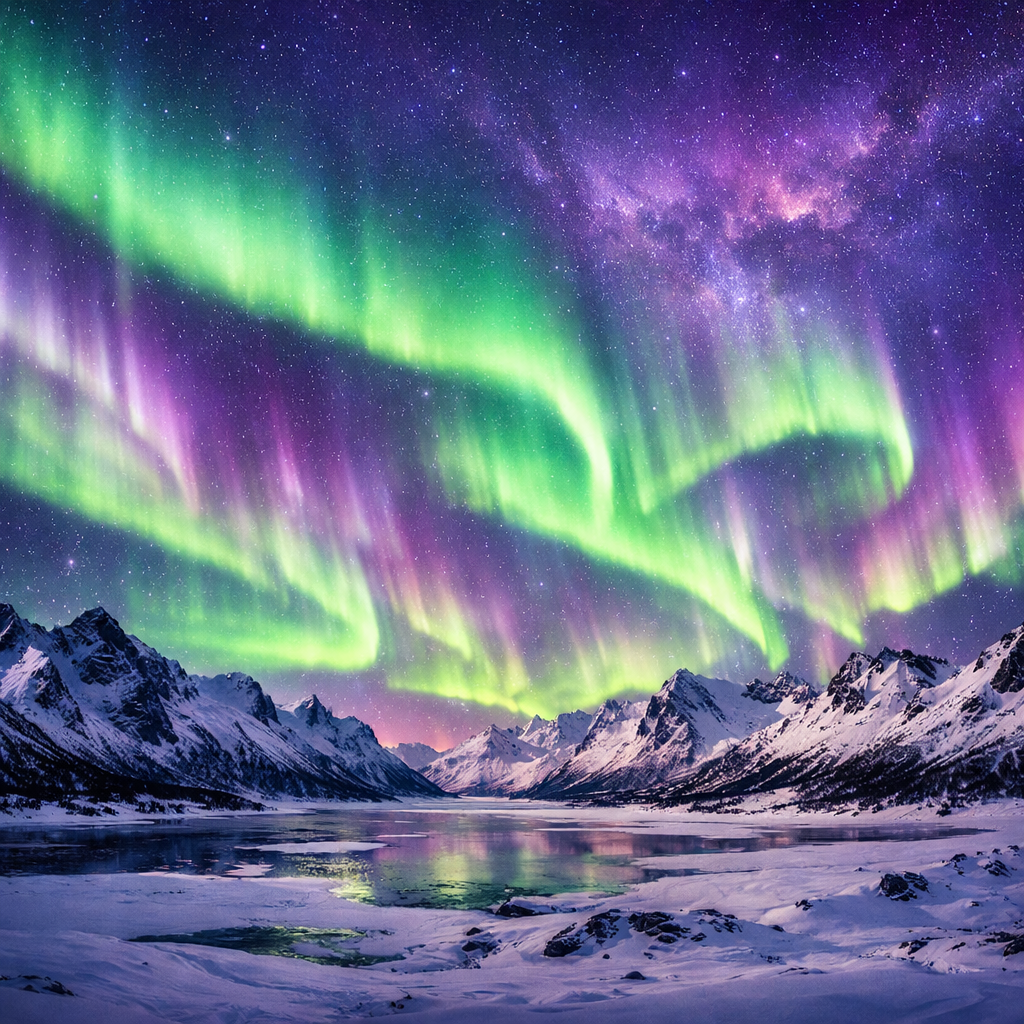
{ "state": "Completed", "result": { "image": "https://pub-04a6d208d361438ea01b797e6973bd19.r2.dev/catalog/openai__gpt-image-1.5/auto-quality.png" }, "gatewayMetadata": { "keySource": "Unified" }}Parameters
prompt
stringrequiredText prompt describing the image to generate or editimage
stringBase64-encoded input image for image editingquality
stringenum: low, medium, high, autoQuality of the generated imagesize
stringenum: 256x256, 512x512, 1024x1024, 1792x1024, 1024x1792Size of the generated imagestyle
stringenum: vivid, naturalStyle of the generated imageimage
stringformat: uriURL to the generated image